Microsoft Teams Together Mode Ends June 2026 -What to Know
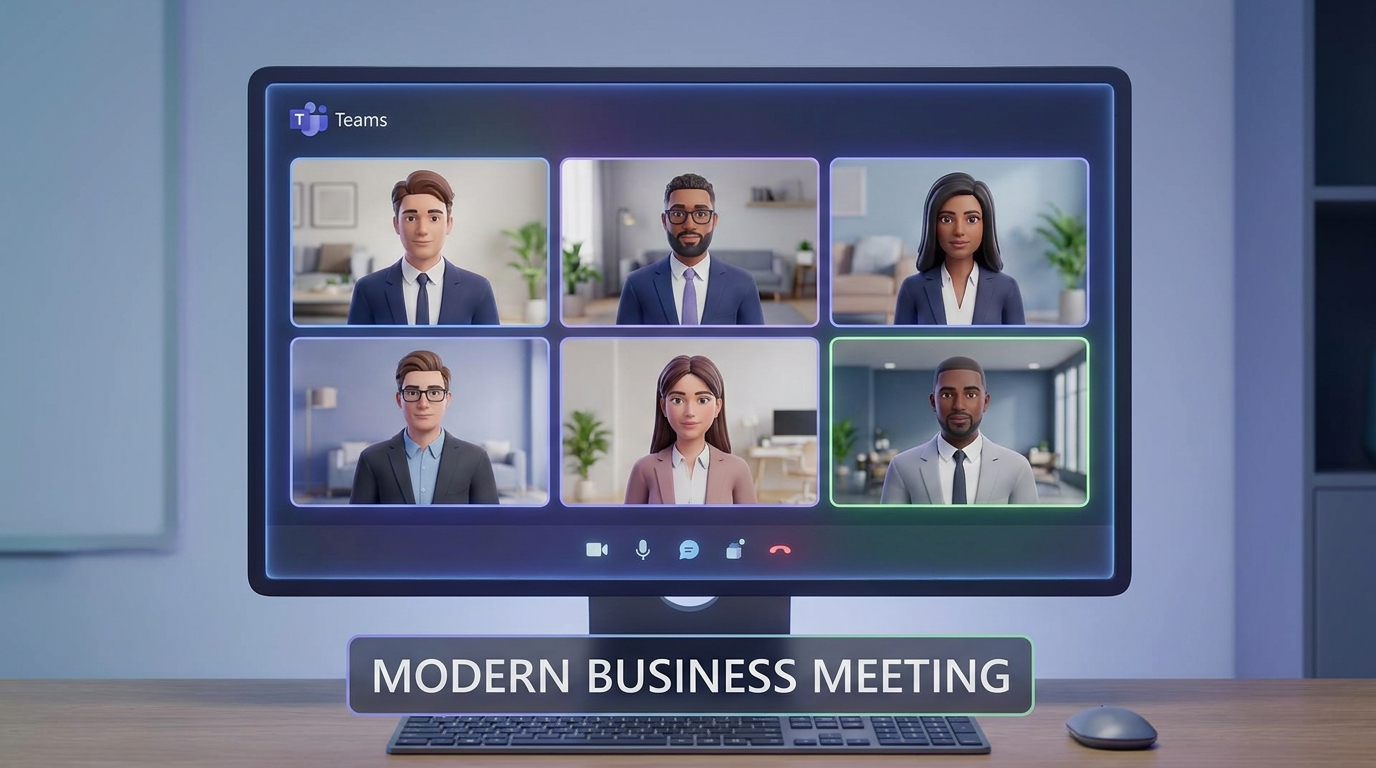
Microsoft is retiring Together Mode in Teams this June 2026, ending one of the platform’s most visually distinctive meeting features and prompting organizations worldwide to reassess their virtual collaboration strategies. The company announced the sunset after determining that simplified meeting layouts reduce cognitive load and streamline the meeting experience, shifting focus toward cleaner gallery alternatives.
Together Mode fundamentally transformed how teams perceived virtual presence since its 2020 launch. The feature emerged during a pivotal moment in remote work adoption when Microsoft partnered with the NBA to create virtual fan stands, allowing thousands of basketball enthusiasts to appear together in shared digital stadiums. That innovation sparked imagination about what virtual spaces could become not just functional meeting rooms, but immersive environments where participants felt genuinely co-located. For six years, Together Mode became synonymous with modern video conferencing innovation in Teams, offering stylized backgrounds that positioned meeting attendees into themed settings such as coffee shops, classrooms, or ski lodges.
The official retirement timeline gives organizations eight months to transition away from Together Mode. Microsoft emphasized that the decision stems from simplification efforts across Teams meeting layouts, which have grown increasingly complex. By consolidating features and reducing visual fragmentation, the company argues users will experience faster load times and more intuitive navigation. This represents a broader strategic pivot toward fundamental meeting capabilities rather than feature proliferation.
Understanding why Microsoft made this choice requires examining broader product philosophy shifts. The company has been consolidating Teams features to combat decision paralysis and streamline the interface. Together Mode, while visually appealing, represented a niche preference many organizations defaulted to standard gallery view regardless of availability. Performance considerations also influenced the decision; virtual backgrounds and themed environments require processing power that simpler layouts eliminate entirely. For Microsoft, retiring Together Mode aligns with trends favoring accessibility and efficiency over aesthetic novelty.
Organizations should immediately begin exploring replacement strategies. The most straightforward alternative remains enhanced gallery view, which now supports speaker focus and dynamic layouts based on participant count. Custom branded backgrounds offer organizations another pathway, allowing companies to create cohesive visual identity during meetings without relying on Microsoft’s preset environments. Users can upload company logos, brand colors, or custom scenes that maintain professional appearance while adapting to organizational preferences.
Implementing custom backgrounds requires deliberate steps. First, administrators should establish brand guidelines specifying approved backgrounds and any prohibited imagery. Second, design teams should create 1920×1080 pixel PNG or JPG files optimized for quick loading. Third, organizations can upload these through Teams settings, making them available across the entire user base. Microsoft’s official Teams support documentation provides detailed configuration instructions for enterprise administrators managing bulk deployments.
Spotlighting speakers and pinning key participants now serve the visual distinction purposes Together Mode previously provided. These features allow meeting organizers to highlight specific attendees, directing participant attention during presentations or large-scale calls. The combination creates dynamic visual hierarchy without relying on themed environments.
Competitor platforms offer compelling alternatives worth evaluating. Zoom’s Immersive View feature functions similarly to Together Mode, positioning participants in virtual environments while maintaining individual video feeds around the periphery. Google Meet offers parallel capabilities through its companion mode and custom background support. Organizations evaluating platform migration should assess whether competing solutions justify switching costs against remaining Teams invested infrastructure.
Community reactions across social platforms reveal divided sentiment. Reddit threads in r/Microsoft and r/Teams generated significant discussion, with some users mourning Together Mode’s visual appeal while others acknowledged its limited practical utility. Twitter conversations reflected similar patterns nostalgia mixed with pragmatism regarding simplified interfaces. Power users expressed frustration about losing distinctive meeting aesthetics, while enterprise IT professionals welcomed reduced complexity and faster meeting initialization times.
The transition period represents an opportunity for organizations to reconsider their meeting infrastructure holistically. Rather than viewing Together Mode’s retirement as pure loss, teams should leverage this moment to implement custom branding strategies that align with organizational values. Microsoft Learn provides comprehensive training resources for exploring Teams’ full feature set, helping administrators identify which capabilities best serve their specific collaboration needs.
By June 2026, Together Mode will exist only in organizational memory and archived meeting recordings. The retirement signals Microsoft’s commitment to streamlining Teams rather than perpetuating feature sprawl. Organizations that proactively plan transitions using custom backgrounds, speaker spotlighting, and gallery enhancements will maintain visual distinctiveness while embracing the simplified approach Microsoft envisions for enterprise collaboration.